Ever wonder why your workouts feel hard but you‘re still not seeing results? You‘re not the only one.
For years, top athletes have known something important: training isn’t just about working hard—it’s about working smart. Many people exercise with good effort, but without direction. Some people push themselves too hard, while others don’t challenge themselves enough. In many cases, it’s because they’re not paying attention to their heart rate zones.
With so many fitness gadgets and stats, it’s easy to feel overwhelmed. But understanding your heart rate zones is one of the smartest things you can do. Whether you want to burn fat, build endurance, or train for an event, knowing your best heart rate zone can help you get better results—and stay safe.
These zones aren’t just for elite athletes. With today’s smartwatches, anyone can track heart rate in real-time and train more effectively. In this post, let’s walk through heart rate zones, how to calculate them, and how to use a smartwatch like Runmefit watch to help you stay in the right zone every time you exercise.
What are Heart Rate Zones?
If you’ve used a fitness tracker or gym machine, you’ve seen zones—like fat burn, cardio, peak, etc. But what do they really mean for your body and workout goals?
Your heart rate zone is a range of beats per minute (BPM) that corresponds to how hard your heart is working. As exercise gets tougher, your heart pumps harder, and your BPM climbs. Zones are usually percentages of your maximum heart rate (max HR). Training in different zones gives you different benefits—like burning more fat, improving endurance, or increasing speed.
These zones aren’t just random numbers—they tell you how hard your body is working during exercise. And once you understand them, you can use them to train smarter, not just harder.
How to Calculate Your Heart Rate Zones
Before you start, it helps to know your maximum heart rate (max HR). That’s the highest number of beats your heart can handle during intense effort. It forms the base for calculating your training zones.
Methods for Estimating Your Max HR

1. 220 – Age Formula
This is the classic but less precise method: Max HR = 220 – your age
Example: If you’re 30, estimated max HR = 190 bpm.
2. Tanaka Formula
A bit more accurate method: Max HR = 208 – (0.7 × age)
Example: 208 – (0.7 × 30) = 187 bpm
3. Field Testing
For a more personal estimate:
- Warm up lightly for about 10 minutes.
- Do 3 or 4 all-out efforts, each lasting 3–4 minutes.
- Rest 2 minutes between each.
- Record your highest average heart rate during these efforts.
4. Lab Tests
This includes VO₂ max testing or stress tests. These give very accurate results, but they can be costly or hard to access.
From Max HR to Your Heart Rate Zones
Once you have your max HR, you can calculate zone boundaries. For example, if your max HR is 180 bpm:
- Zone 1 (50–60%): 90–108 bpm
- Zone 2 (60–70%): 108–126 bpm
- Zone 3 (70–80%): 126–144 bpm
- Zone 4 (80–90%): 144–162 bpm
- Zone 5 (90–100%): 162–180 bpm
Tip: If you have a smartwatch like the Runmefit, things get much easier. It can help you calculat this automatically and gives you more accurate data for both the classic and Tanaka formulas. You can also use it to track your heart rate during field tests—like your highest and average HR—so your training zones are more personal and reliable.
Understanding the Five Heart Rate Zones
Now that you know how to find your max heart rate, you can start using it to understand your training zones. These zones are based on percentages of your max HR, and each one gives your body a different kind of workout. Here’s a simple breakdown of the five common zones:

Each zone has a purpose. When training with purpose, these zones help you dial in the right intensity for your goals. The key is to match your effort with your fitness goals. Don’t just follow your watch—know why you’re training the way you are.
| Zone | HR Zone % Range | Purpose | Use For | Why |
|---|---|---|---|---|
| Zone 1 (Very Easy) | 50–60% | Recovery, cool down or warm up | Easy days and cool-downs | Helps blood flow to muscles and supports recovery |
| Zone 2 (Fat-Burning Zone) | 60–70% | Fat Burning & Base Endurance | Long, slow workouts (walking, light jog, bike ride) | Improves mitochondrial health and builds aerobic base |
| Zone 3 (Aerobic Zone) | 70–80% | Aerobic Fitness | Tempo runs, steady-state workouts | Strengthens heart and lungs without overtaxing |
| Zone 4 | 80–90% | Speed & Lactate Threshold | Intervals, hill repeats | Boosts speed, VO₂ max, and mental toughness |
| Zone 5 | 90–100% | Max Power / Sprints | Short sprints or max-effort bursts | Builds explosive power and capacity, but only in small doses |
Train Using Smartwatches with Heart Rate Zone Monitoring
This is where things get really useful. Smartwatches don’t just track steps or calories—they help bring heart rate zone training to life.
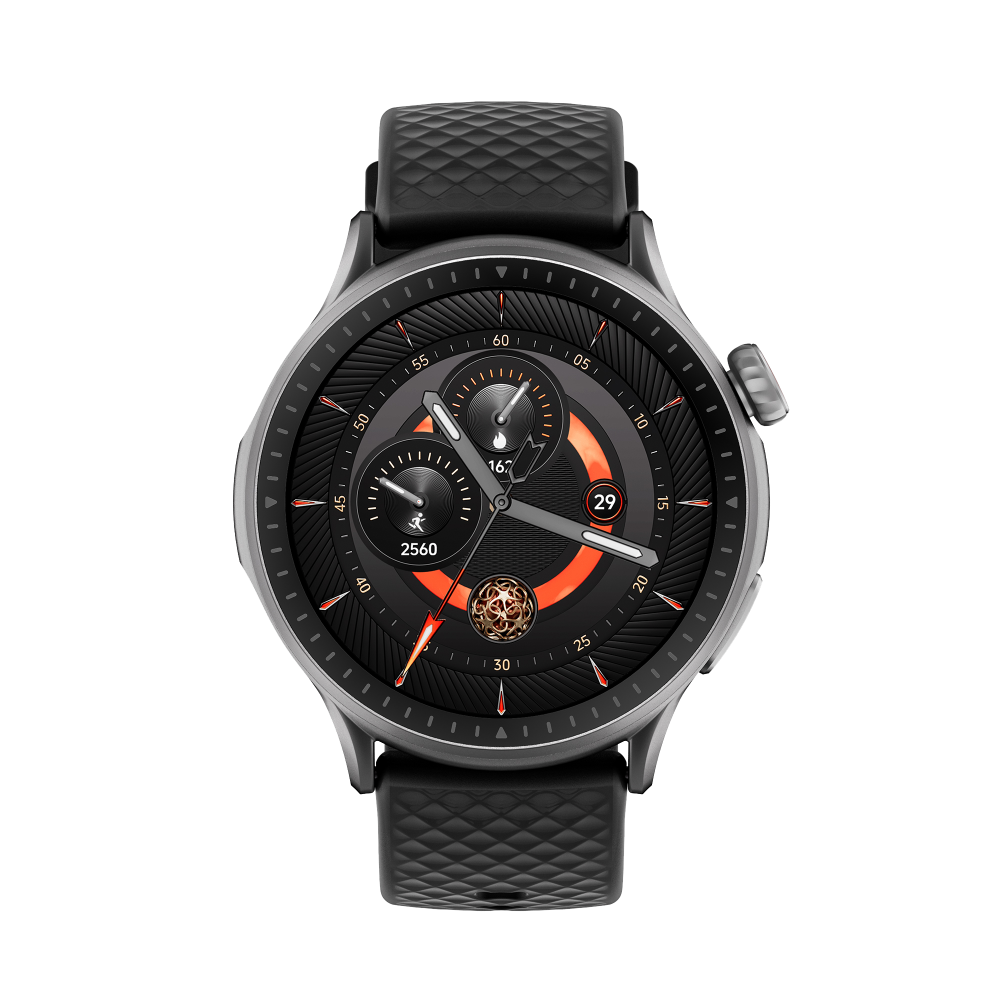
If you’re training seriously, models like the Runmefit RACER 3 and RACER 4 are designed exactly for this. With multi-zone tracking, real-time display, and detailed post-workout analysis, they help you stay right where you need to be—without constantly checking your wrist.

Runmefit RACER 4
What to Look For in a Smartwatch
- Live Zone Alerts: Your watch should buzz or beep when you move above or below your target zone.
- Zone Tracking: After your workout, you should be able to see how much time you spent in each heart rate zone.
- Auto Lap and Auto Detect: These are great for intervals—no need to hit a button every time you switch pace.
- App Syncing: Make sure it works with popular fitness apps like Apple Fitness, Runmefit, Strava, or Garmin Connect. This helps you track long-term progress.
Why I Like the Runmefit Smartwatch
If you’re looking for a smartwatch that covers all the basics without the premium price tag, the Runmefit smartwatch is a solid pick. I’ve been using Runmefit RACER 4 for both running and cycling, and it really helps keep me on track.

** Curious which Runmefit model fits your pace? Check out the Runmefit RACER Series to see which model fits your training style.
During workouts, it shows which heart rate zone I’m in, so I don’t go too hard too early. Afterward, I can see exactly how much time I spent in each zone—especially Zone 2, which I’m trying to build up for endurance. It syncs with mobile fitness apps and gives me weekly summaries, so I can stay consistent and see how I’m improving over time.
If you’re serious about zone training but want something simple and reliable, Runmefit’s a great place to start.
My 30-Minute Treadmill Run (Smartwatch-Guided)
Here’s how I use my smartwatch to guide every run and ride, step by step:
- Objective: Aerobic base development & cardiovascular efficiency
- Duration: 30 min
- Tools: Runmefit RACER 4
| Phase | Time | HR Zone | Intensity | Purpose | What I Do |
|---|---|---|---|---|---|
| Warm-up | 0–5 min | Zone 1 (50–60%) | Very Easy | Activate muscles & prepare cardiovascular system | I jog lightly until my breathing smooths out and my heart rate rises gradually. Watch keeps me below 60%. |
| Base Endurance | 5–18 min | Zone 2 (65–75%) | Moderate | Build aerobic base & improve fat utilization | I settle into a steady pace where I can still talk. |
| Threshold Intervals | 18–25 min | Zone 4 (80–88%) | Hard / Controlled | Increase speed & lactate tolerance | I complete 3 rounds of 2 min hard + 1 min easy jog. The watch cues each segment and keeps me on target. |
| Cool-down | 25–30 min | Zone 1–2 (<65%) | Easy | Gradual recovery & heart rate normalization | I reduce pace slowly, focusing on breathing control. The watch shows HR descending steadily. |
| Post-Run Review | After session | — | — | Track progress & recovery | I stretch, hydrate, then review stats in the Runmefit App — HR curve, pace, calories, and recovery time. |
30 minutes isn’t much, but it always resets me. Each run brings me back to focus. It doesn’t have to be hard, what matters is showing up and building the base. I’ll keep logging, one session at a time.
Final Word
Heart rate zones aren’t just numbers on a screen—they’re simple but powerful tools to help you train with more purpose. When you know what each zone does, you can match your workouts to your goals and stop wasting effort.
Using a smartwatch like Runmefit makes this even easier. It takes the guesswork out of training, gives you live feedback, and helps you stay on track. Whether you’re trying to burn fat, improve your endurance, or boost overall performance, knowing your zones can make a big difference.
The best part? You don’t need to be a pro. With today‘s smartwatches, anyone can get started—and start seeing results.
FAQ
Q: How do I calculate my heart rate zones accurately?
Q: Why is Zone 2 So Important?
- Strengthen your heart and mitochondria.
- Improve blood flow and endurance.
- Burn a good mix of fat and carbs.
- Avoid heavy fatigue, so you can do more sessions consistently.